

Skincode Skincare you can shop by what's inside.
Swiss skincare with dozens of formulas. We built the store from scratch around the two things people arrive with: their skin type, and the ingredient they're after.
Visit the live store (opens in a new tab)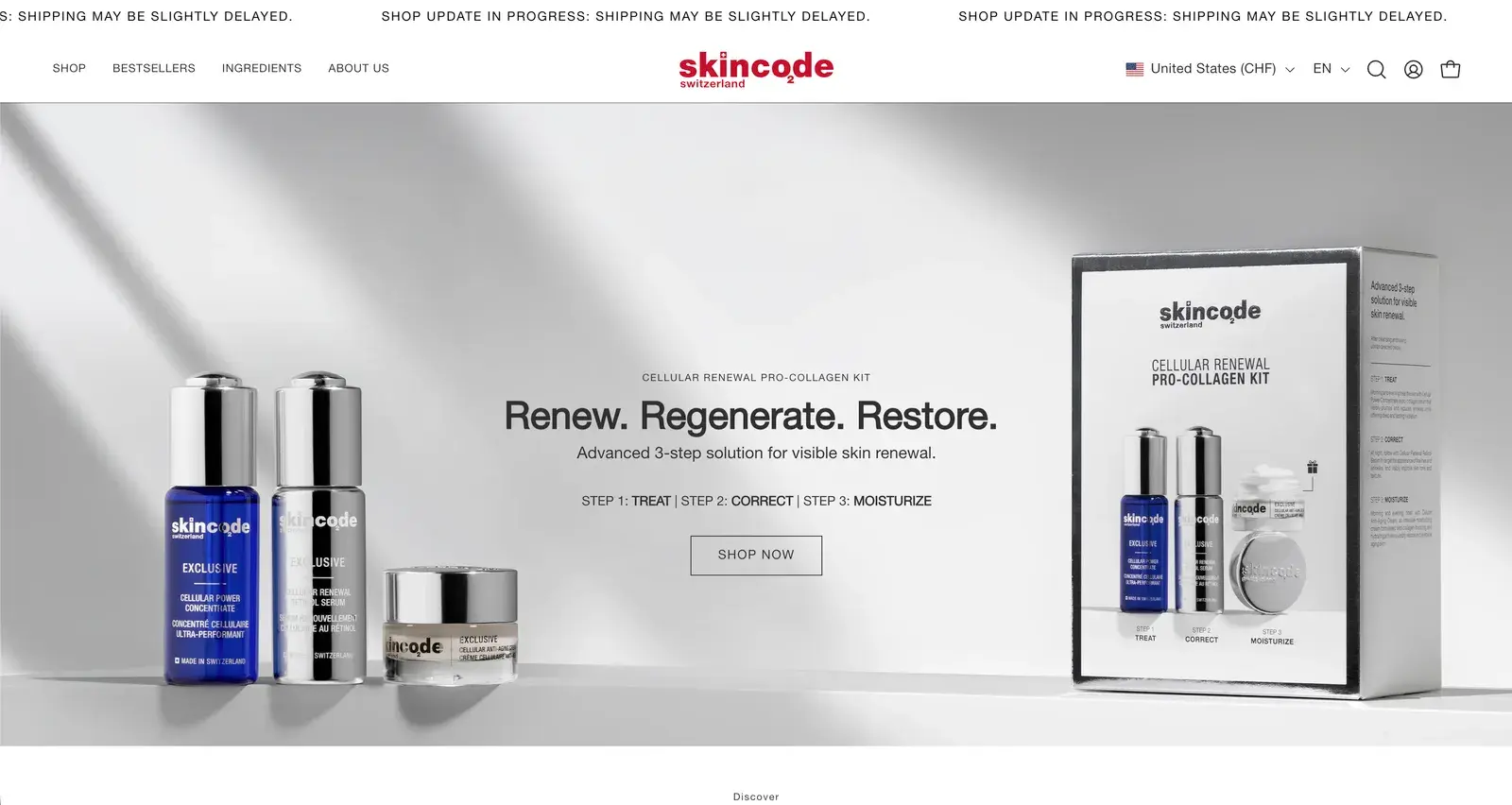
The brief
Dozens of Swiss formulas, many sharing the same few actives. People shopping skincare know their skin, and often the ingredient they want, so the store lets them start from either.
- Store
- skincode.com
- Brand
- Swiss skincare
- Starting point
- Built from scratch
- Our part
- Store design and Shopify build
We judge every screen on four things
Cognitive ease
Less to read and less to decide on every screen. It matters most.
Navigation
The right product in as few taps as possible.
Structure
What each page shows, in the order people need it.
Journey
No dead ends between the first visit and the checkout.
01Shop
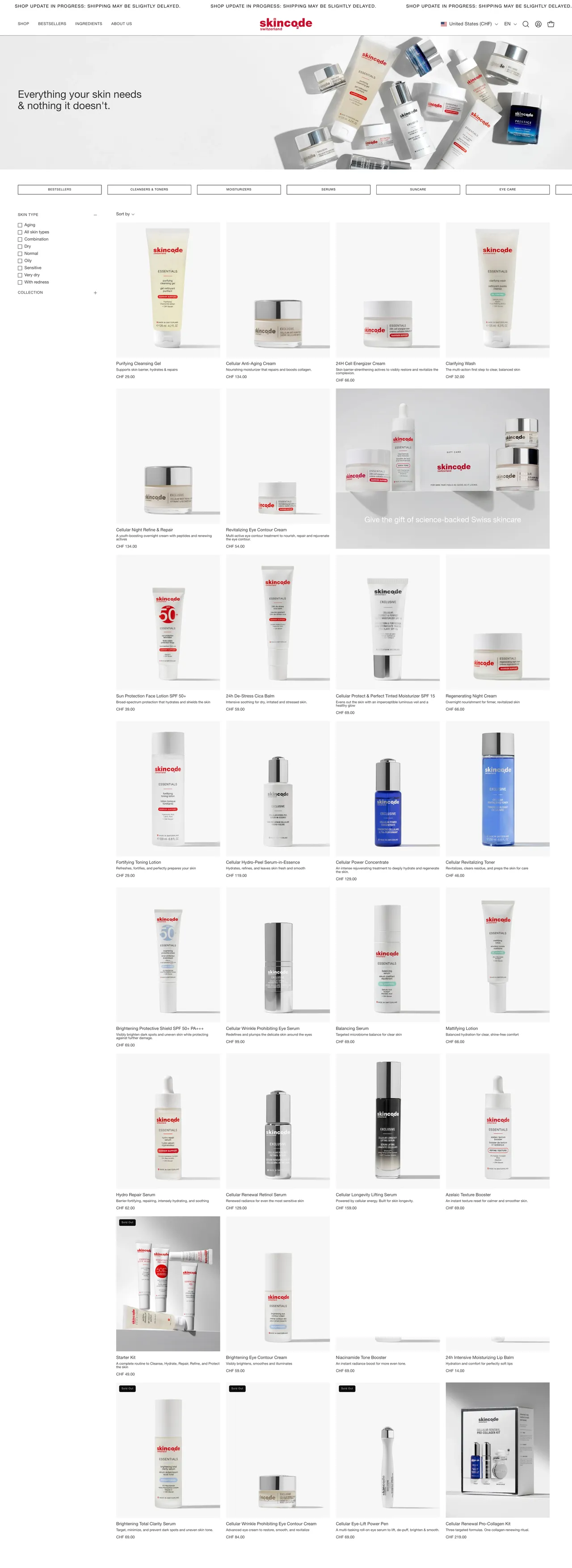
Your category in one swipe. Your skin type in one tap.
A row of categories under the banner, from bestsellers to eye care, and skin-type filters beside the grid. No menu needed to get to the right shelf.
- Navigation
02Shop by ingredient
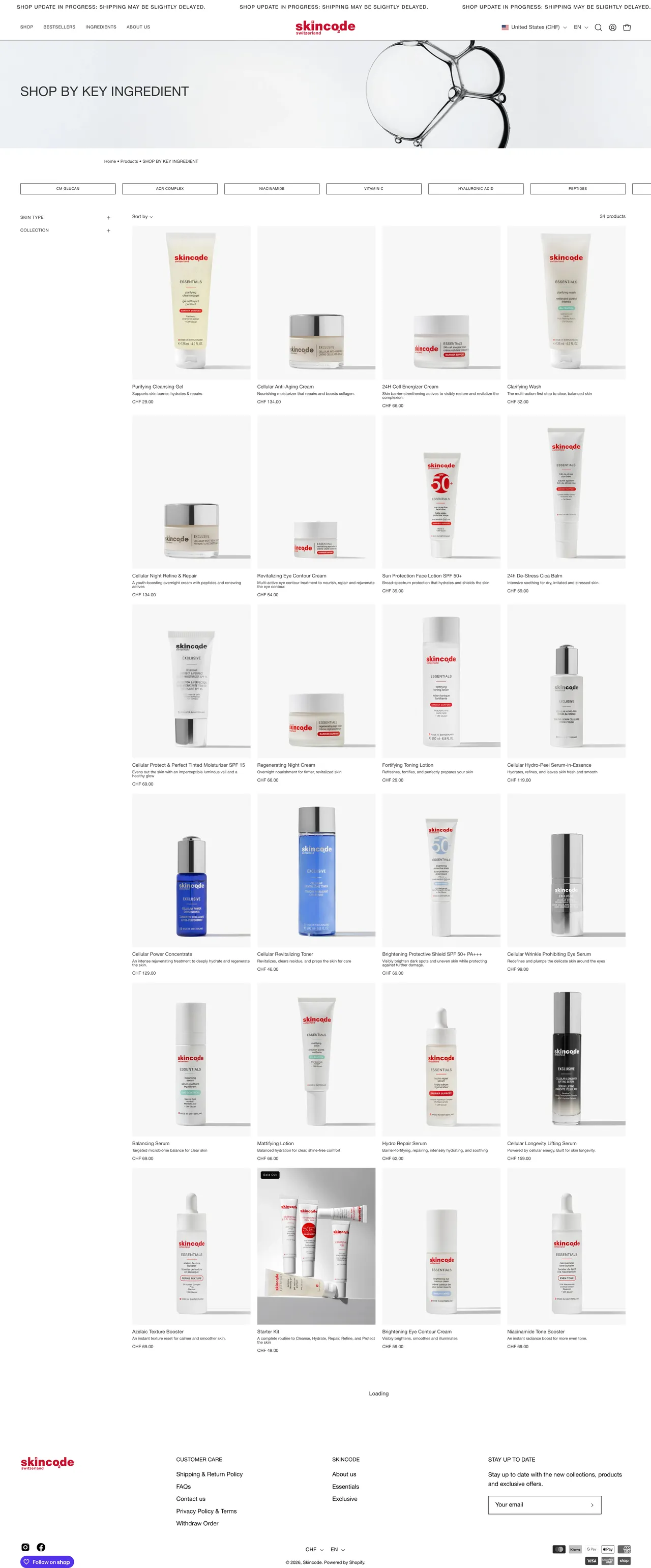
Shop by what's inside. Every key active is a way in.
People who already know they want niacinamide or hyaluronic acid start here. Each key ingredient is a tab, and the grid follows.
- Navigation
03Ingredient library
An A–Z of every ingredient. In words anyone can read.
Every ingredient in the range, with a photo and what it does in a word. Tap one and a drawer explains it.
- Cognitive ease
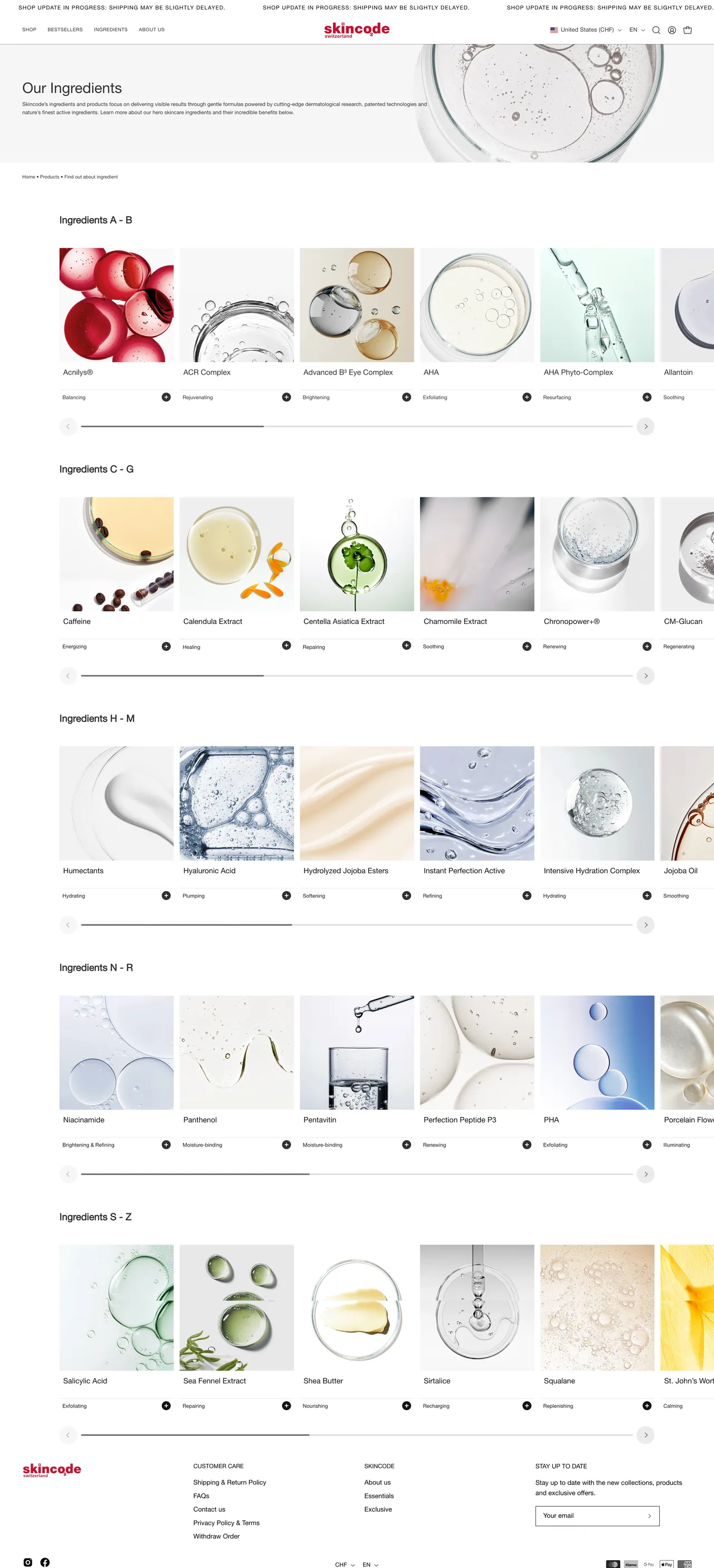
- Grouped A–B, C–G, H–M and on, each group a slider
- What each one does, in a word: soothing, hydrating, renewing
- Tap one: what it is and what it does for your skin, in a drawer
04Product page
A routine, not just a product. Where it fits, step by step.
Skin type, concern and texture sit above the button. Further down: what it does, its key ingredients in photos, and a routine guide that shows where it fits.
- Structure
- Cognitive ease
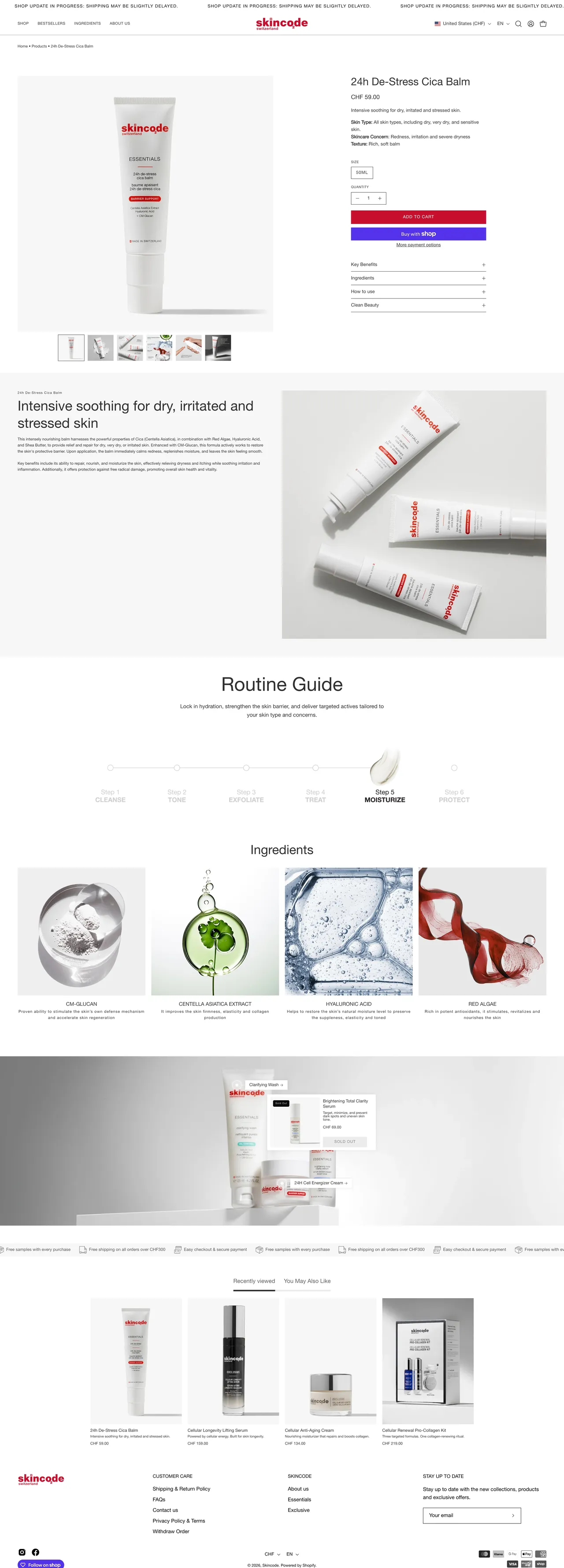

- Skin type, concern and texture before the price
- Benefits, ingredients, how to use and clean beauty in four drawers
- The key ingredients, each with its photo
- Routine guide: cleanse, tone, exfoliate, treat, moisturize, protect
05Quick addNew
Add to cart from anywhere. Without opening the product.
Bestseller videos and product cards carry their own Add to cart, so someone coming back for the same cream can restock in two taps.
- Journey
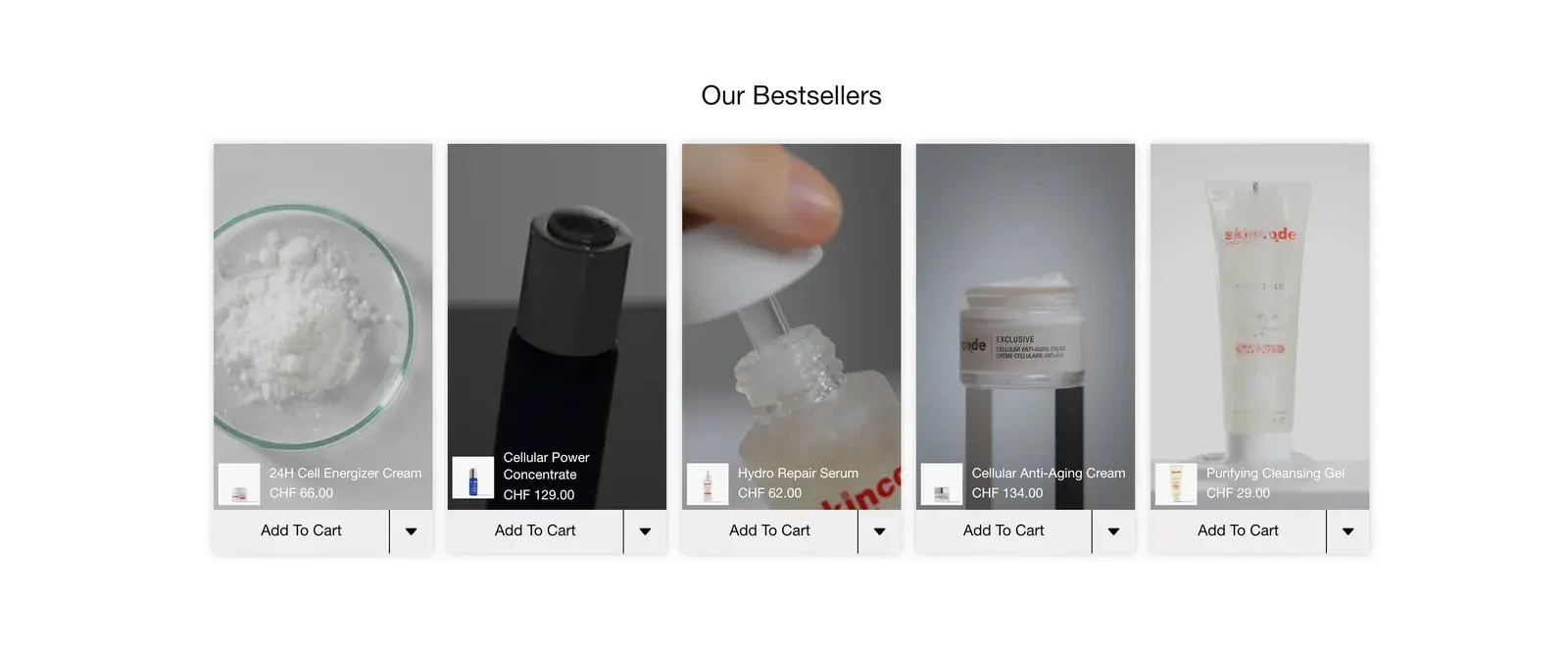
Our bestsellers: short videos, each with its product and Add to cart. 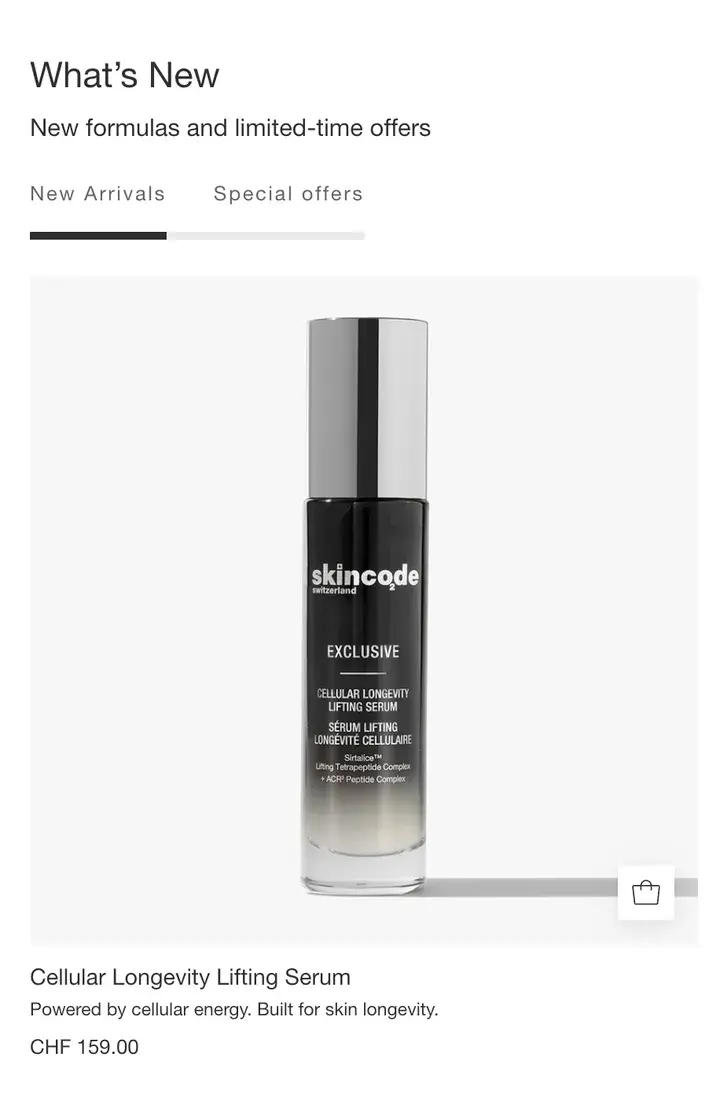
What's New: new formulas and offers, with quick add on the photo.